
Better Search and Filtering
the problem of too many calculations; new ways to search, filter, and sort; how to access these tools; future directions



Over the past year, we’ve made a lot of changes to Rowan with the goal of making it easy to submit and run large computational workloads through the platform. To name just a few:
We rewrote our queueing system so that many jobs can start running in under a second.
We shifted to fractional-credit logic, making it significantly cheaper to run thousands of low-cost jobs in parallel.
We automatically use GPU acceleration where applicable so that calculations can run as fast as possible.
And we released a new version of our API that makes it simple to run thousands of workflows with a few lines of code.
These updates, however, haven’t made it easier to find and analyze calculations through Rowan—and many of our power users have observed that simply locating a given workflow can be tricky after running thousands of jobs. As a result, we’ve had a lot of users reach out asking for improved search functionality, and we’ve been working to address their feedback.
Today, we’re excited to roll out a set of changes that make it easier to find things, track job status, and stay organized. You can now filter by name, job status, workflow type, starred status, public status, creation date, and last-updated-at date. All of these search filters can be applied at three different levels: the folder level, the project level, and the user level.
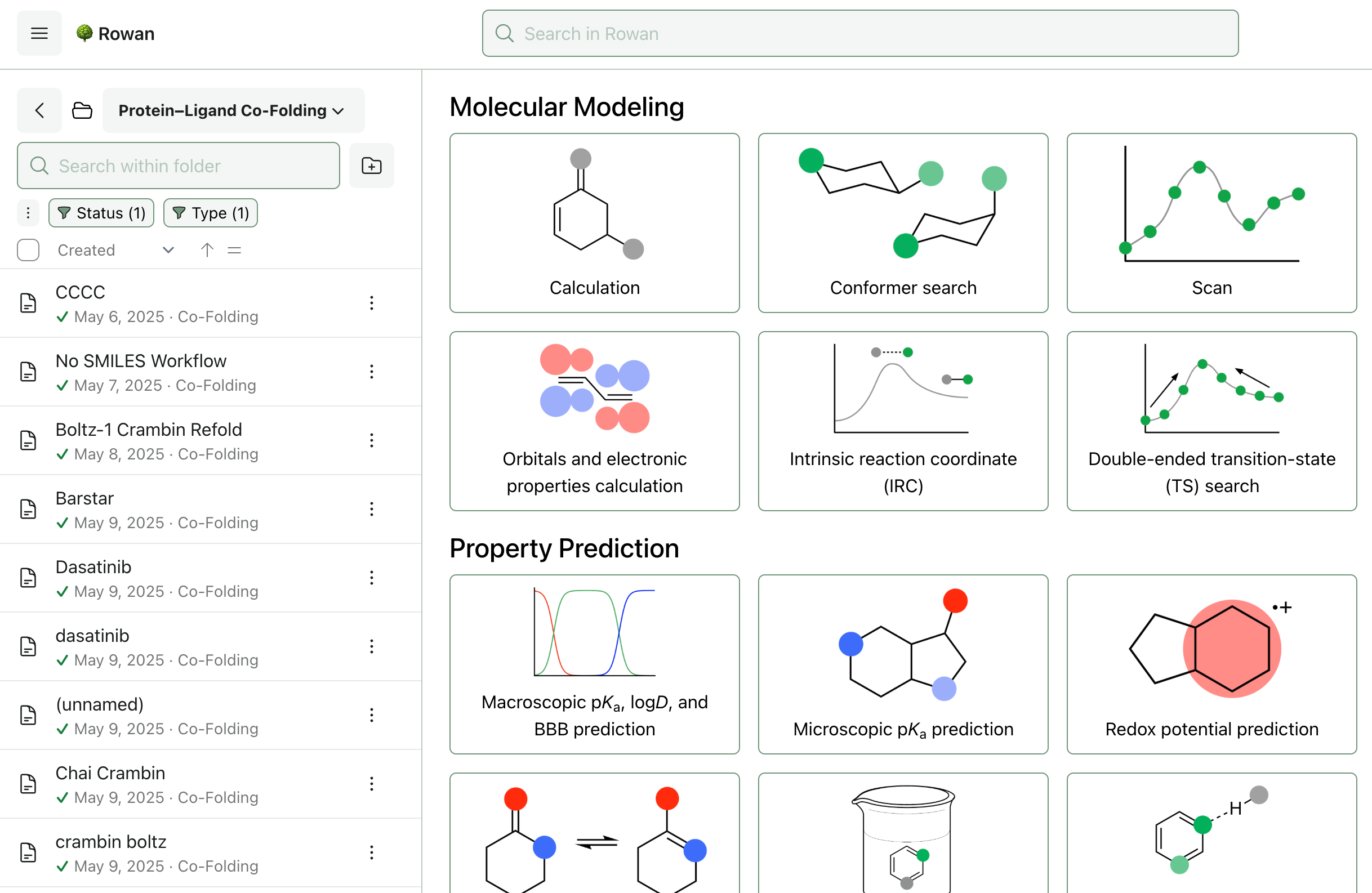
At the folder level, these new advanced search settings can be accessed underneath the search bar in the folder sidebar.
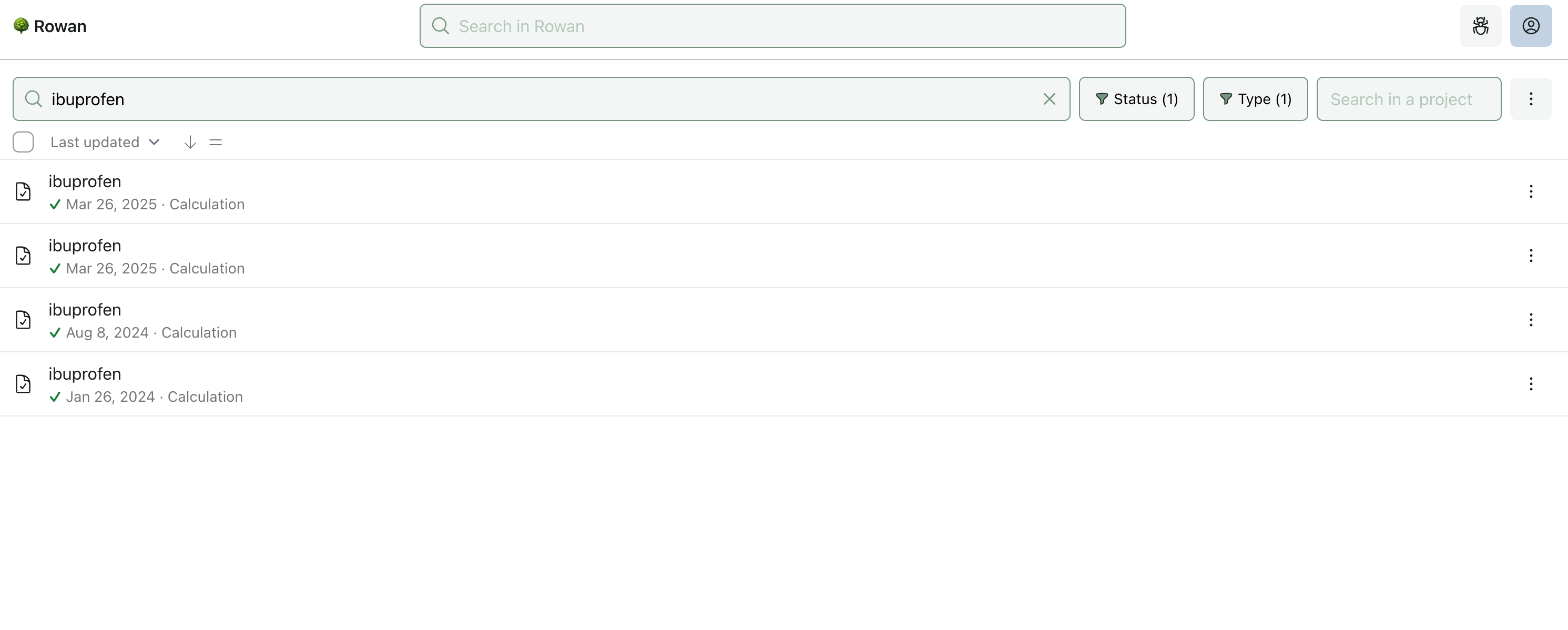
Via Rowan’s search page, the new filters can be applied at both the user level (if no project is selected) or the project level (if a project is selected). You can search in projects you own, projects that have been shared with you as “collaborator,” and, if you’re an organization admin, any project in your organization.
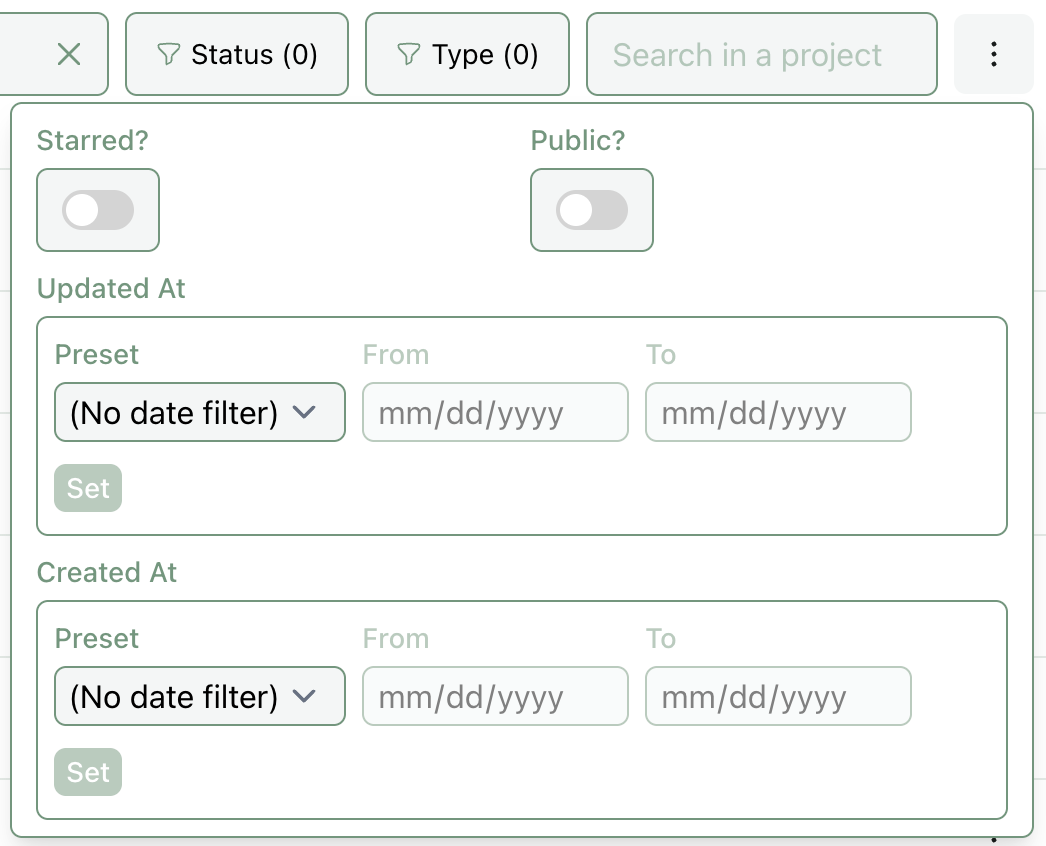
These filters are fully combinable and user-configurable. This means that in both the folder sidebar and the search page, you can filter by any imaginable combination of statuses, types, and more.
You can also now modify, delete, and move things from the search page. For instance, you can now find all BDE calculations that failed between Aug 1 and Sept 1 and move them to their own folder, or delete all “draft” hydrogen-bond-acceptor-strength workflows.
In the future, we plan to add a few more search-related features to make it easier to manage data in Rowan:
We plan to add chemical substructure search to the above views, making it possible to search by functional group or by structural similarity.
We also plan to add deeper workflow integration through the per-project “structures” view—so if you want to filter for compounds that are predicted to be soluble in water, blood–brain-barrier penetrant, and have a predicted Boltz-2 PCKS9 affinity lower than a certain threshold, you can do so.
If we missed something here and you’re still struggling to find a workflow, please let us know at contact@rowansci.com! While these aren’t the most excited science-y updates in the world, we think they’re a big step forward for our platform’s usability. Until next time, happy computing.
Awesome improvements! I am looking forward to the substructure search feature.